TechOK





Repair of MacBook (Air/Pro)
Is your MacBook freezing? Not turning on, not charging, or is the screen not working? Do you need a MacBook SSD replacement in Prague 5? You should contact TechOK service, specialists will perform a quality MacBook repair in Prague 5 at an affordable price.
Apple laptops are the benchmark among PCs, as they combine stylish design, high build quality, and stable performance. However, even the most reliable technology can break down over time. Causes can include component wear, mechanical damage, overheating, or liquid ingress. When a MacBook starts to freeze or reports errors, it is important not to delay and to seek diagnostics and MacBook repair in Prague 2.
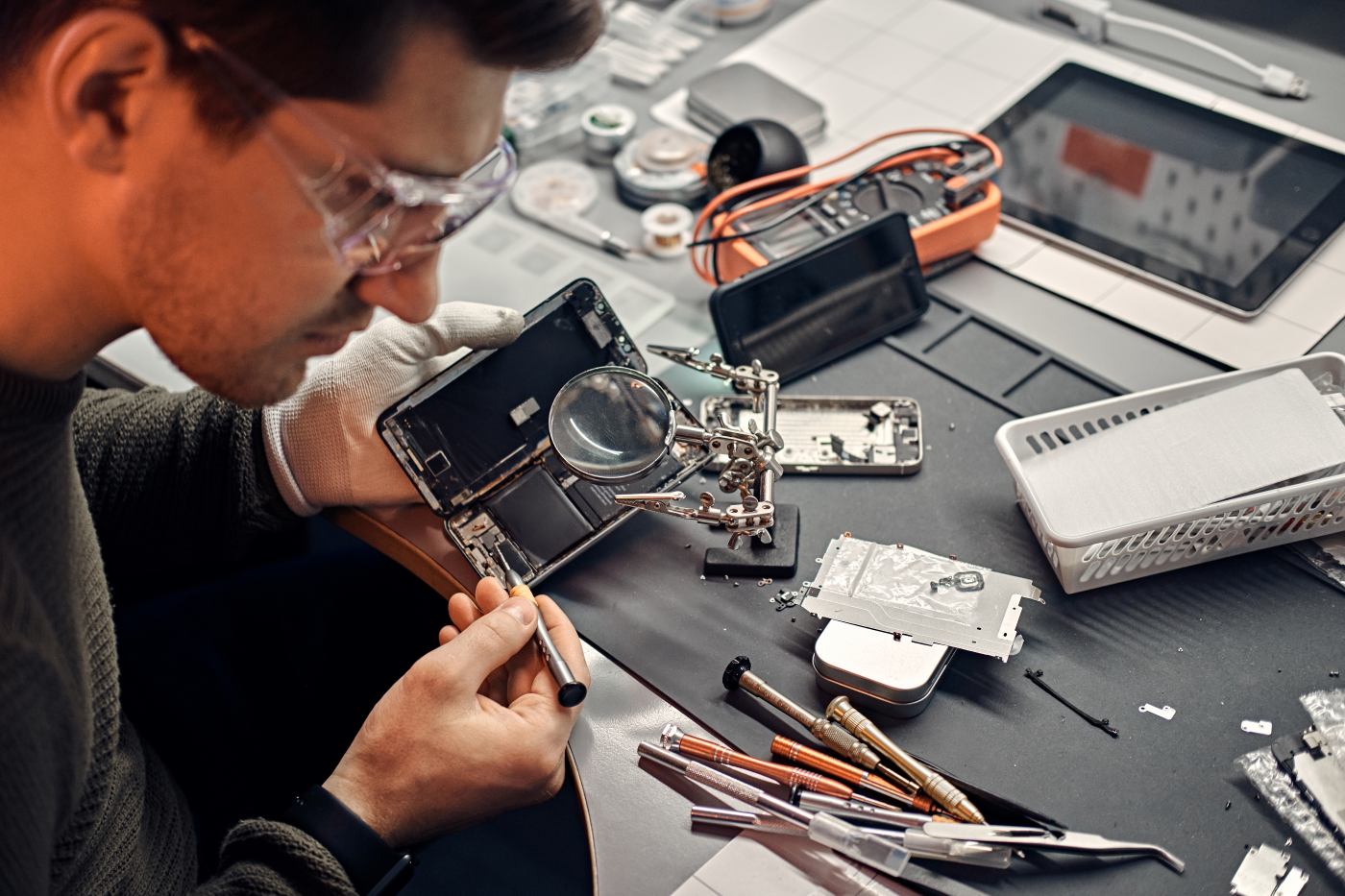
MacBook Pro repair Prague 2 has its specifics, as Apple technology is characterized by its architecture. Therefore, any work, whether MacBook battery replacement in Prague 5, screen repair, or motherboard repair requires not only experience but also highly precise equipment.
It is quite common to turn to keyboard issues. Due to the ingress of dust, crumbs, and moisture, keys may start to stick or stop responding. In modern models, the keyboard is integrated into the top case, so MacBook keyboard repair in Prague 2 or its replacement requires caution and precision.
Users often turn to the service center because MacBook won’t turn on in Prague 5. To determine the fault, it is necessary to perform MacBook diagnostics in Prague 2.
A common query on the internet is – MacBook not charging in Prague 2. Often, the cause is a faulty charging connector, as the slot loosens with constant use, and MacBook charging connector repair in Prague 2 can help resolve the issue.
Over time, the battery loses its capacity, leading to quick discharges or sudden shutdowns of the laptop. In the service center, specialists check the power system, voltage, temperature, and charging cycles. If the battery capacity is depleted, a new battery is installed, followed by calibration to ensure the system correctly determines the charge level. If the device is not charging, MacBook power supply unit repair Prague 2 can help resolve this issue.
The display is one of the most vulnerable parts of a MacBook. Even a small impact can cause a crack or backlight failure. Problems with the matrix or flex cable of the screen often arise, causing distortion or loss of image. Here, a MacBook Pro display replacement in Prague 5, price depends on the complexity of the work and the cost of components. Specialists perform the work only using special heating equipment, as the screen is glued to the lid of the body. Service center masters install original or high-quality compatible panels to maintain the color saturation and brightness characteristic of Apple products.
The cooling system also requires attention. When the laptop gets dirty with dust, the ventilation openings become clogged and MacBook overheats in Prague 5. This can lead to slowdowns, shutdowns, or even damage to chips. During preventive maintenance, the technician disassembles the device, cleans the fan, replaces thermal paste, and thermal pads. Such a procedure significantly improves performance and reduces the risk of overheating. Sometimes it is necessary to replace MacBook fans in Prague 5.
Repairing the MacBook graphics card in Prague 2 is equally complex. Restoring functionality or even replacing the graphics card is necessary due to mechanical damage or component wear. Over time, cooling elements wear out, thermal pads lose effectiveness, and the graphics processor may overheat.
Moisture damage is another serious threat to the MacBook. Even a small amount of liquid can cause corrosion of contacts, leading to malfunctions or complete system failure. If the laptop has come into contact with water – it is not advisable to turn it on by yourself. Repairing a liquid-damaged MacBook in Prague 2 should be entrusted to professionals who completely disassemble the device, remove moisture residues, clean the board from oxidation, and inspect all components under a microscope. In most cases, timely intervention allows avoiding expensive MacBook motherboard repair in Prague 5.
The software component is equally important. Due to failed macOS updates, installation of unofficial software, or virus attacks, the system may start to operate unstably. Service specialists will perform macOS update in Prague 2, reinstall macOS, and set up drivers. Experts will also perform MacBook data recovery in Prague 2 if necessary.
To avoid most problems, it is good to perform regular maintenance. Cleaning the cooling system, cleaning the MacBook from dust in Prague 5, replacing thermal paste, testing the battery, and updating the system extend the device’s lifespan.
Quality maintenance, careful approach, and regular MacBook preventive maintenance in Prague 2 are guarantees that your MacBook will last for many years, maintaining high performance, elegance, and comfort in use.