TechOK





Laptop Repair
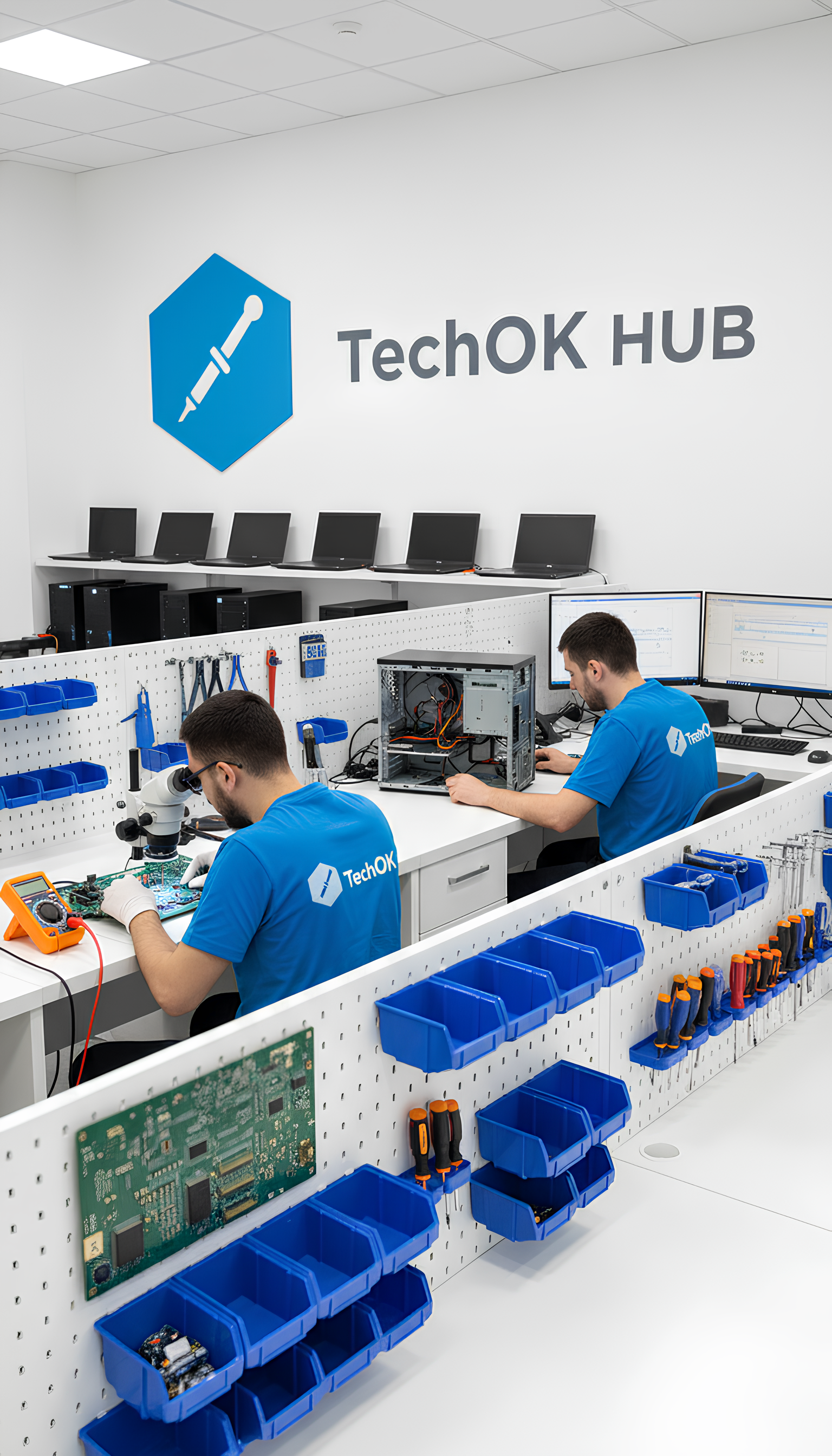
Do you need a quality and certified laptop repair in Prague? Portable laptops require repairs and serve until the hardware completely fails to meet the owner’s needs. Whatever has happened – a cracked display, damaged power supply, moisture has entered the case, or just an update is needed – all of this can be repaired under favorable conditions at the TechOK laptop service center in Prague 2 and Prague 5. Even trivial obsolescence of modules or slow system performance can be addressed; we will fix it thoughtfully and exclusively after testing under load.
Terribly scared by the blue screen? Did the laptop die or just fall out of reality? An experienced technician finds it easier to determine what actually happened. There are radical and non-radical recovery methods. The difference at TechOK is that we strive to extend the life of the device and perform laptop repairs in Prague in cases where it seems easier to buy a new one. We also accept old devices as part of the Trade-in program. And the replaced parts are disposed of in an environmentally friendly manner. Restore full functionality and speed – laptop service in Prague using modern tools and knowledge will set your technology to work precisely, calmly, and without overload.
You often don’t know what to do when the laptop is not charging. We immediately recommend contacting us and under no circumstances experimenting with other chargers. In the initial phase, you will likely need a repair of the laptop power connector in Prague, but careless movements can lead to a controller failure. If such a problem occurs, the main thing is not to try to find contact by constantly turning it on and off – this can lead to burning out the controller, making the repair more expensive.
Does the laptop not turn on after moisture exposure? This is a signal that service is urgently needed. First, our technician will disassemble the laptop and disconnect the battery. But that is just the first step – next, the device is dried, contacts are cleaned, keyboard replacement for the laptop in Prague is performed if the old one has stopped functioning normally. Moisture must be completely removed, so simply drying the laptop with home remedies will not work. When the laptop repair after liquid spill in Prague is completed, we do not rush to return it to the owner, but step by step we test all modules. It is better to find out about all defects right away so that you do not have to turn to technicians twice. Cleaning all contacts after water exposure is necessary not only to maintain the normal function of all modules but also to prevent contacts from being damaged by corrosion.
As a result of prolonged excessive use, problems with speed, overheating due to load, and slow system behavior may arise. The quick computer help service center accepts electronics for these types of services:
- Cleaning the laptop from dust in Prague – only safe, verified means are used that remove accumulated dirt without damaging components.
- Replacing the thermal paste of the laptop in Prague – it is recommended at certain intervals, at least once every 2 years. It helps prevent overheating.
- Repairing the laptop cooling system – if the fans are silent and there is real hell under the “hood” of the laptop, such a system will not last long. Various types of cooling systems are repaired, and in case of major problems, replacement with original modules may be possible.
- Replacing the laptop display in Prague is most often needed after a fall from a height or impact. Even protective accessories do not always save from physical damage. We will restore your device to factory functionality.
Is the device outdated and do you want to order a laptop upgrade in Prague? TechOK specialists know how to best select components to eliminate stuttering. Not everything in the laptop is subject to upgrade, but improving system boot and speeding up memory is entirely feasible. For old configurations, replacing the hard drive with an SSD for the laptop in Prague is always performed. We can install it in a free slot or in place of the old HDD. You can choose the storage yourself, but we usually recommend well-known brands like Samsung, Transcend, Kingston. Modern memory allows you not to skimp on space, install more games and applications, and also enjoy smooth and fast loading of the operating system.
Do you see a blue screen on the laptop, and Windows does not start? Not everything is solved easily, but the true masters of our service center are always ready to help. You can also order a repair of the laptop touchpad, keyboard, sound card, graphics card replacement, and more. With access to certified components, we perform work quickly without unnecessary overcharges. If any component fails after the warranty has been provided, we will replace it free of charge on the condition that its price is paid.