TechOK





Maintenance of the laptop from dust
Hot air coming from the ventilation openings, the smell of dust, and the feeling that the laptop is suffocating under load — a familiar picture for many users in Prague. The technology does not call for help with words; it signals with temperature, vibrations of the case, freezing, and the unpleasant noise of the fan that revs up like a turbine. In such moments, it is clear that a simple restart will not help, and it is time to turn to TechOK.cz — a service where professional cleaning of laptops from dust in Prague is performed daily, which affects the stability of work and the lifespan of the device.
Most users do not even realize that dust behaves like thick cement inside the system. It sticks to the grids, fills the radiator with dense cotton, and clusters into a blanket on the copper plates. After that, air stops flowing through the cooling channels, and the laptop tries to breathe through a pillow. The processor and graphics chip raise the temperature to 90–100°C, start reducing frequencies, slow down program launches, and force the system to survive instead of work. At a certain point, the protection simply turns off the power to protect itself from overheating — and this is the case when dust can truly destroy hardware.
As a result, overheating of laptops in Prague becomes the cause of system errors, long boot times, FPS drops in games, random shutdowns during work, and even damage to the motherboard. Here, preventive maintenance of laptops in Prague is needed, which specialists at TechOK.cz recommend performing at least once a year, and with intensive use — every 6 months. In fact, more than 80% of requests related to repairs due to overheating could be avoided with simple prevention.
Users often come in with the same symptoms: noise from laptops in Prague, the fan suddenly increases its speed, the case heats up, and fingers feel warmth even on the keyboard. Or conversely — the fan works quietly, but the system behaves as if it is sinking in thick syrup: slow laptop in Prague, long program openings, video and browser freezing. This is not the “age” of the device — it is the result of the laptop slowing down due to dust in Prague.
Dust is an ideal thermal insulator, literally wrapping components in a thermal blanket, forcing the system to reduce core frequencies to avoid burning out. Any serious machine, whether a gaming laptop with RTX graphics or an office ultrabook for document work, needs cleaning of the laptop’s cooling system in Prague at a qualified service, and not with a vacuum cleaner or compressed air spray, which only pushes dirt deeper under the radiator.
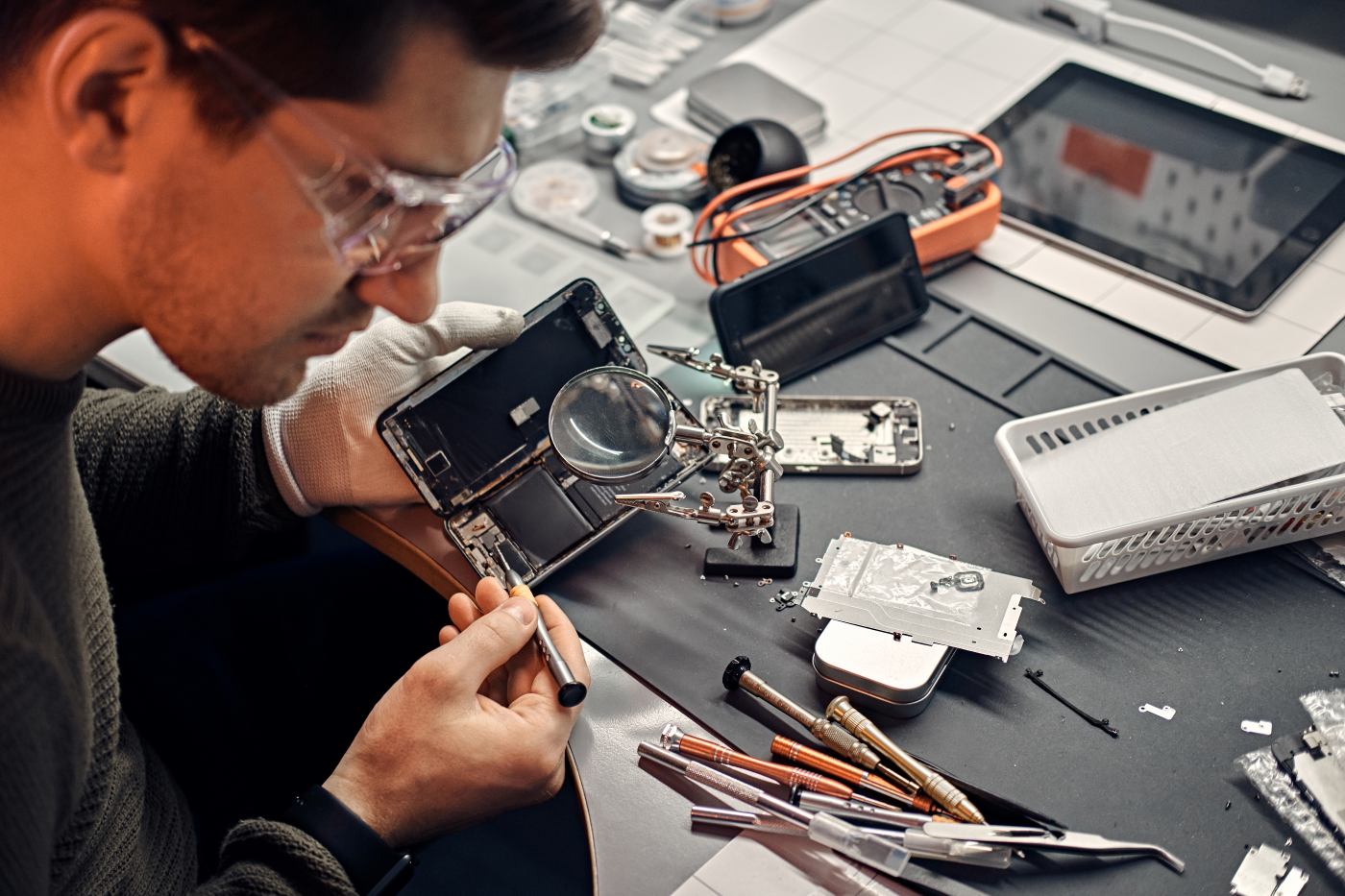
At TechOK.cz, technical maintenance of laptops in Prague is performed using specialized tools: antistatic kits, microscopes, ultrasonic baths for cleaning fans, and only verified thermal pastes with thermal conductivity of 8–12 W/mK. Professional cleaning of laptops from dust in Prague includes complete disassembly of the device, cleaning of the fan and radiator, replacement of thermal pads on the VRM, temperature and fan speed testing, etc. After the procedure, the temperature of the processor and graphics chip decreases by 15–30°C, the noise level is halved, and performance returns to normal values. Owners notice that the laptop works quieter, cooler, and noticeably faster — as if the technology is breathing full breaths of air after a long suffocation.
Our clients often ask what the first signs are when it is necessary to turn to a service? A short reference list:
- The laptop heats up even in idle state.
- The fan works non-stop.
- The system slows down without visible causes.
- Cursor tearing or video freezing occurs.
- The case vibrates unpleasantly during operation.
If at least one of these symptoms is familiar — it is a direct signal for preventive measures against laptop overheating in Prague and the need for comprehensive cleaning. Such situations bring users to TechOK.cz — laptop cleaning service in Prague, where masters work daily with dozens of devices that need professional attention. We do not just clean the technology; we restore its stability and resources that were previously hidden under layers of dust. After properly performed maintenance, the laptop stops “screaming” with the fan, becomes cool and predictable in operation, and engineers conduct final stress testing to ensure that the system operates within normal temperatures, and the fan speed control algorithms are set correctly.
Preventive maintenance of laptops in Prague — is not a mandatory ritual for perfectionists, but a necessity that saves money and nerves: instead of repairing a graphics chip or motherboard, which can cost hundreds of euros, it is better to simply perform maintenance on time. TechOK.cz — a service where professionals help avoid risks and extend the lifespan of your device without unnecessary words and costs.