TechOK





Replacement of thermal paste
Thermal paste – this is a special plastic substance that improves heat conductivity from the processor to the cooler and further to the fan. It is also useful in that it fills small gaps and smooths out imperfections on the surface of the processor. The thermal conductivity of the paste is much higher than that of air, and it varies in composition, viscosity, thermal resistance, and of course the ability to conduct heat. In Prague, quality pastes have a wear resistance of 12 months, but after a few years, they dry out and cease to perform their functions. This can cause the computer to lose performance even under light load. Long-term use of a computer with dried paste often leads to overheating, which is especially critical in the summer when the room temperature is already elevated.
If the thermal paste was applied unevenly or by an inexperienced technician, its lifespan is shortened several times. As a result of timely replacement of thermal paste in Prague, the cooling of the processor is disrupted and components overheat, leading to the loss of expensive computer components. And with active use of the device for work and gaming, the lifespan of the thermal paste shortens more quickly. Users mistakenly assume that the cooling system and fan have specifically failed, while the problem lies in the paste, which has lost its plasticity and thermal conductive properties.
What are the signs that you need new thermal paste in Prague? If you notice overheating or freezing of the computer, hear excessive fan noise in Prague, the operating system reports errors, and the fan runs at full power – that is already a reason to contact a technician. Sudden system shutdowns, a sharp drop in FPS in games, or slow browser performance can also indicate this. In more advanced cases, sensors record dangerous temperatures even in idle mode.
The specialists of our thermal paste service in Prague can select the ideal substance based on composition, price, and quality. For regular office and home computers, silicone paste is suitable at a relatively low price. A powerful gaming computer may require ceramic paste, as it maintains stability regardless of the high temperature of the processor. Metallic paste has very high thermal conductivity due to the presence of liquid metal or particles of silver or copper. It is usually used for professional cooling systems when a professional increase in computer performance in Prague is needed. We will select a premium paste with an improved formula that ensures longer lifespan and stable operation even under stress tests.
In some cases, thermal pads are used instead of thermal paste when the gap between components is larger than a few millimeters. A thermal pad is a special, usually temporary seal that performs the same function as thermal paste but has weaker thermal conductivity. However, thermal pads are usually used for reducing PC temperature in Prague and protecting the power circuit elements of the graphics card or MOSFETs of the motherboard. During maintenance, the technician does not forget to assess the condition of the pads, as over time they also lose elasticity and the ability to effectively dissipate heat.
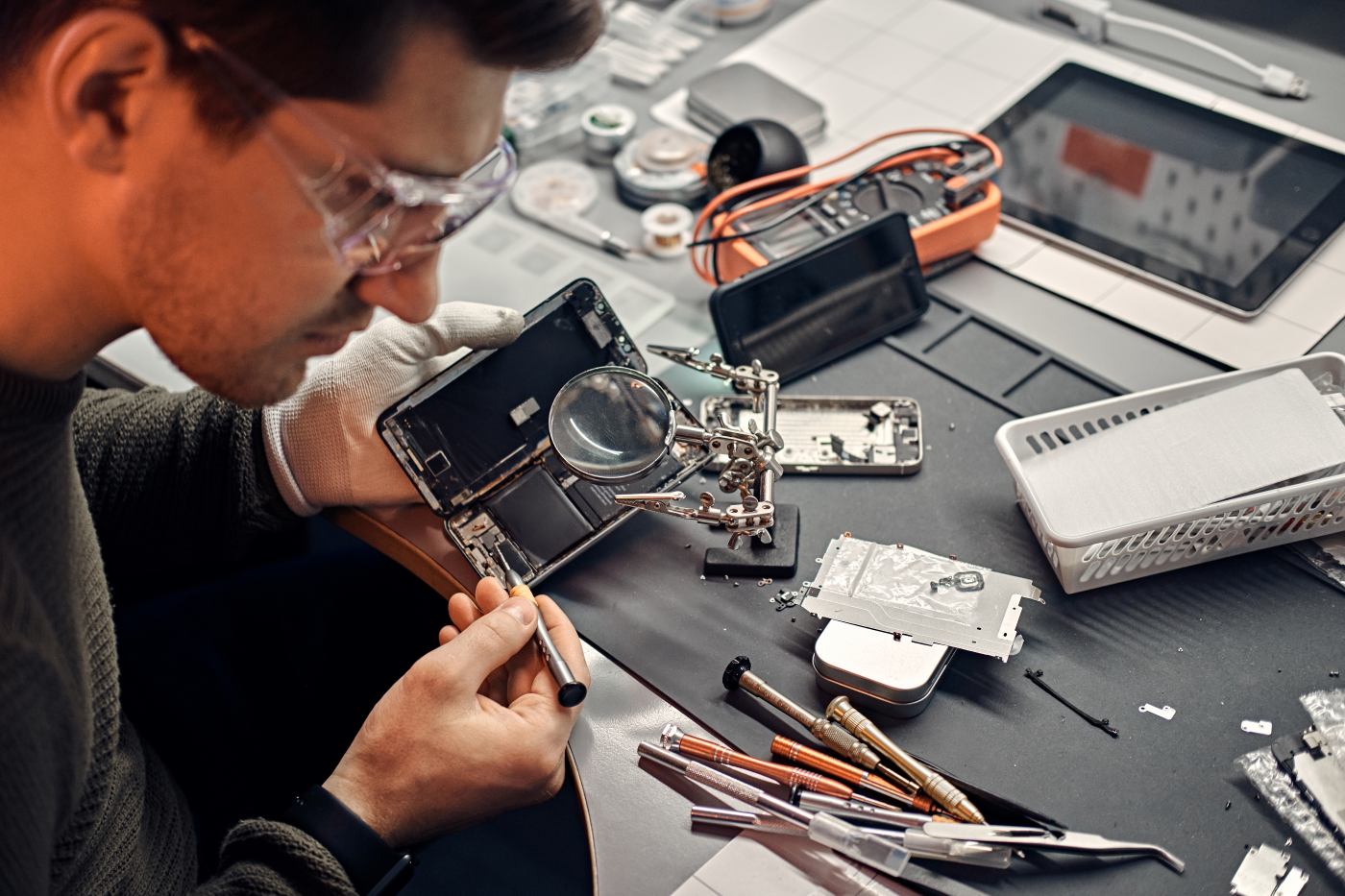
For replacing thermal paste, a set of magnetic screwdrivers, rubber gloves, alcohol for degreasing surfaces, a flat high-density plastic spatula for removing old paste, and of course a new tube of the product is used. However, replacing a thermal pad is much more complicated. To properly select a thermal pad, information about your laptop model is needed, and a low-temperature hairdryer (60-80 degrees) will be required for disassembly – this will facilitate the removal of the thermal pad from the component. Some laptop models have a complex cooling system – to avoid damaging fragile cables or connectors, considerable experience is needed.
Replacing thermal paste may seem like a simple process, but without knowing all the nuances, you can damage sensitive components of the motherboard or worsen the performance of the fan. At high processor temperatures in Prague, it is better to consult a specialist – they can check for the presence of overheating protection, temperature indicators of each component, and also perform preventive cleaning of the computer. And most importantly, the process of applying thermal paste is quite quick, within two hours. The price is very reasonable, depending on the model of the device and the urgency of the work. Our service center has a convenient location, so transporting your computer will not be a problem.
Order a repair now and get a detailed consultation regarding the stages of work. Just leave a request on the website and pick up the repaired device as soon as possible. Our service in Prague – this is an opportunity to restore the performance of your computer without unnecessary complications!